Client structure
This version follows the client’s sitemap and homepage requirements, with familiar layouts and clear routes to products, expertise and contact.
Open Client Structure

Our approach / A guide to the designs
These three designs explore the same brief in different ways and give us a starting point for the website we’ll develop together.
We began with your sitemap and homepage requirements, then explored different ways to bring that content to life. The previews let us discuss the structure, the visual style and the way people interact with the site.
You can take an opening from one direction, a market section from another, and a simpler treatment elsewhere. Your feedback on those individual parts will help us build one clear, consistent proposal.
The starting point
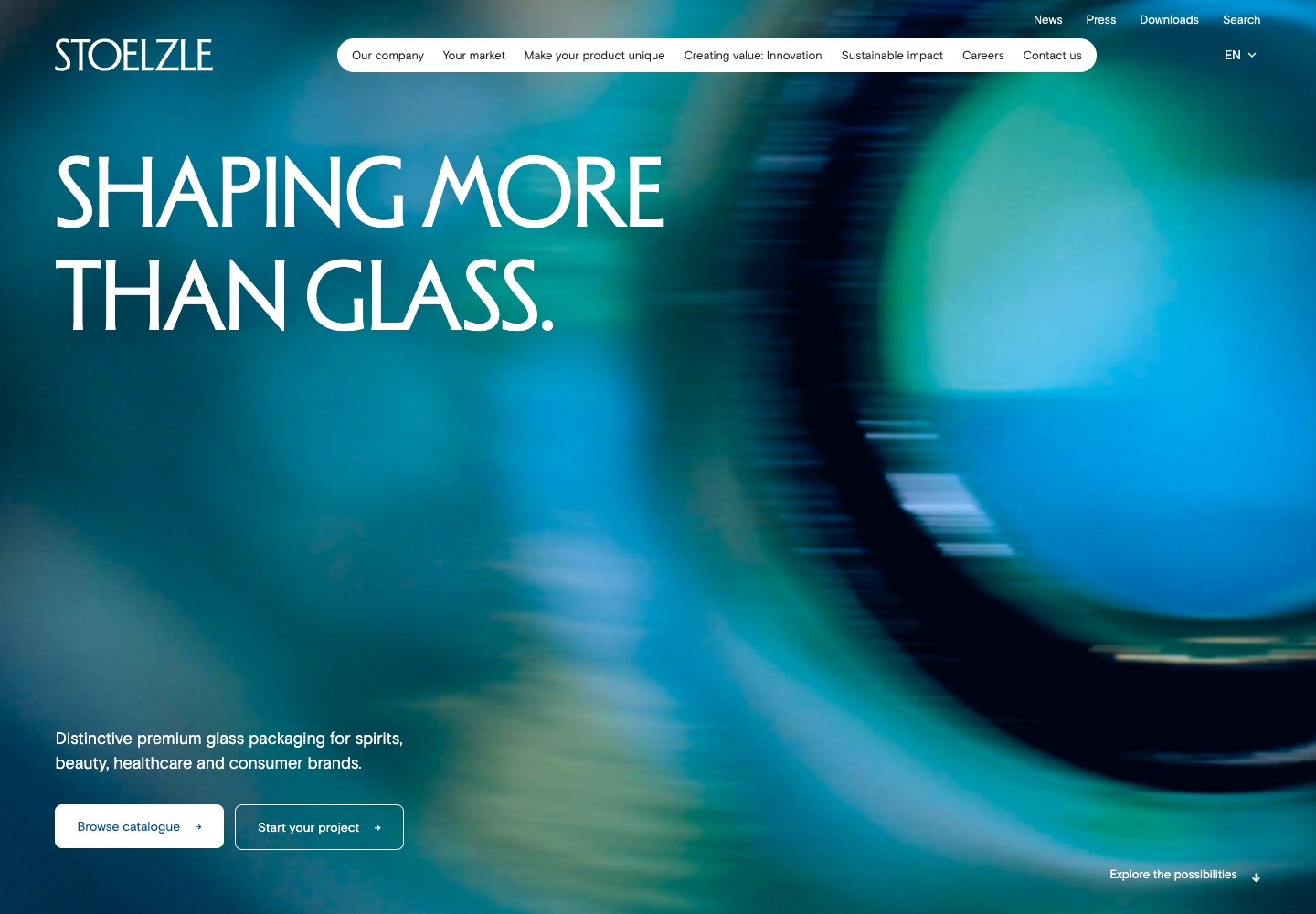
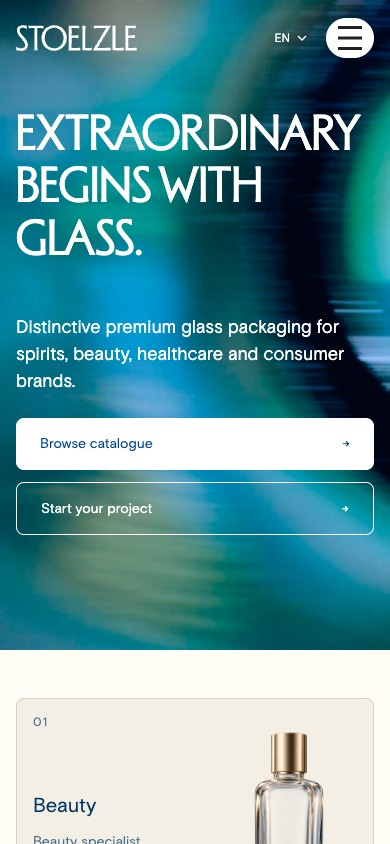
The first option takes a more conventional, mobile-first approach. It follows the client structure most directly: clear navigation, familiar content blocks and visible routes to the markets, catalogue, expertise and contact.
Use it to check the essentials. Can an existing-product buyer find the catalogue? Can a brand team reach an expert? Are the company, sustainability and careers sections in the right place?
The Client Structure design gives us that starting point. The later directions explore how these topics can connect through a more editorial, product-led story. The supplied sitemap remains the reference as we develop the final structure.
Finding your way around
These are the same three designs shown on Project review, in the same order, so you can compare their structure, imagery and interactions.
This version follows the client’s sitemap and homepage requirements, with familiar layouts and clear routes to products, expertise and contact.
Open Client StructureProduct films, large photographs and a moving image collage present Stoelzle’s glass and craftsmanship through a more editorial experience.
Open editorial versionThree floating products introduce the range before the opening follows a single bottle into Stoelzle’s markets and expertise.
Open scrollytelling versionA direction gives the page a point of view. Individual modules can still move between directions as we agree the right experience.
The same content, explored in different ways
We have tested more than one way to present several of the same modules. This makes the choices easier to discuss: how much to show at once, where movement helps, and how quickly a visitor can reach the next step.
These comparisons are starting points for a conversation. A final page can combine a direct market section with a more expressive opening, for example.
The opening can establish the material and craft through film, or introduce the range through glass products and movement.
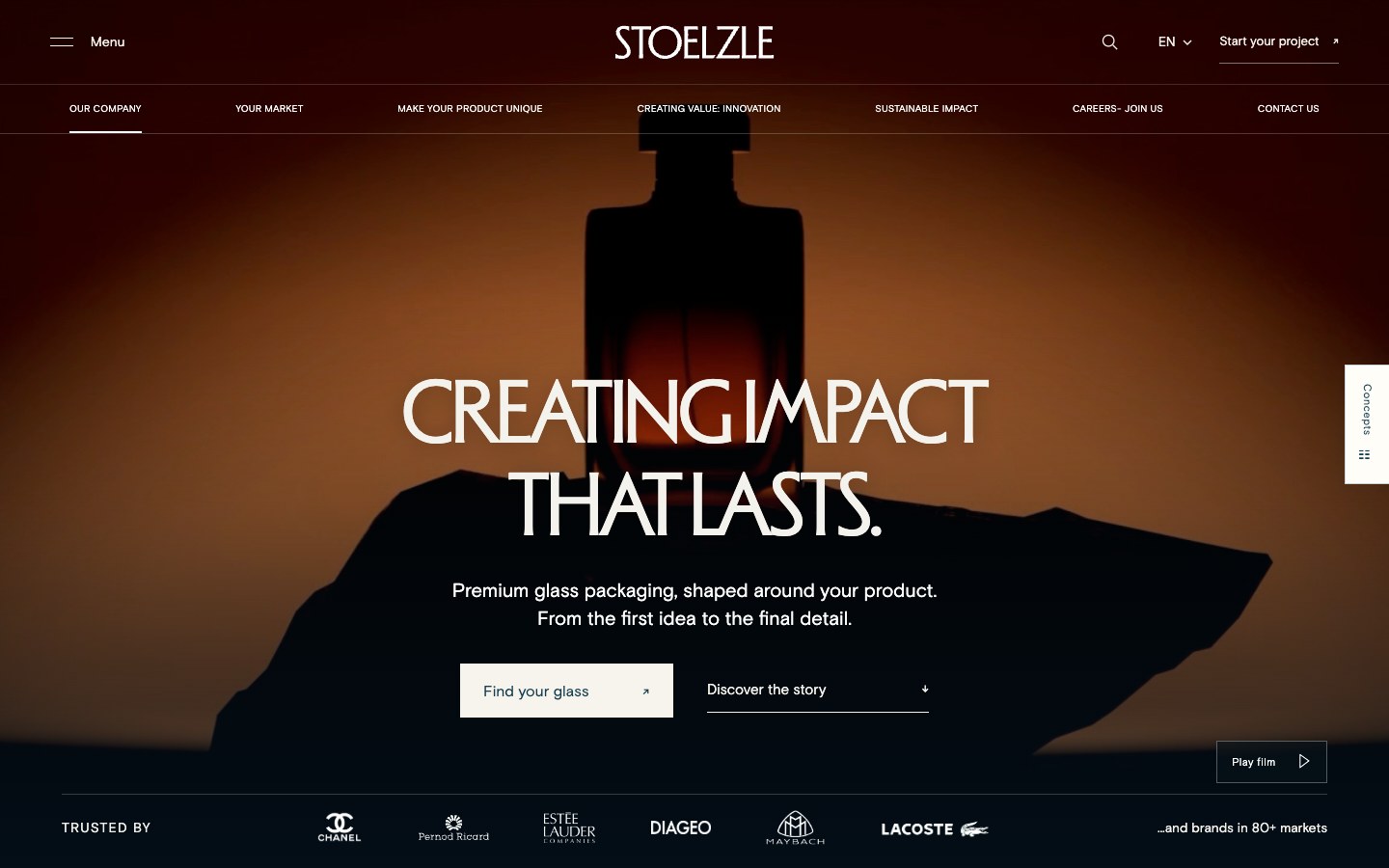
Atmosphere, materials and craft make the first impression. The catalogue and project routes remain close to the headline.
Explore the film opening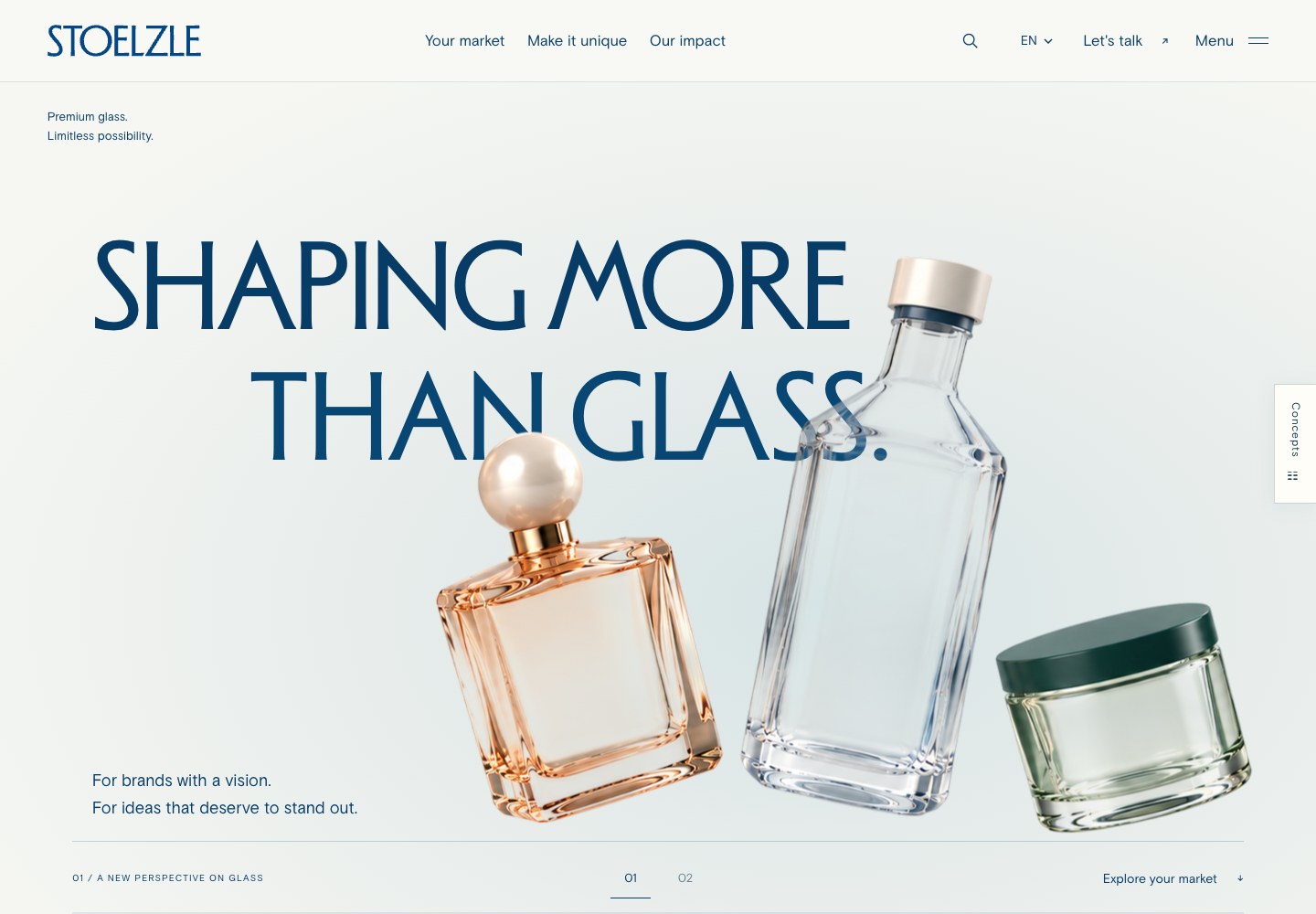
A product collection shows the breadth of the group. In the v3 study, the tall bottle becomes the focus as the introduction unfolds.
Explore the product openingTo discuss What should a visitor understand or feel in the first few seconds? An oversized single-bottle opening ↗ is another treatment we explored.
Both approaches introduce Beauty, Spirits, Healthcare and Consumer. They give that information a different reading order.
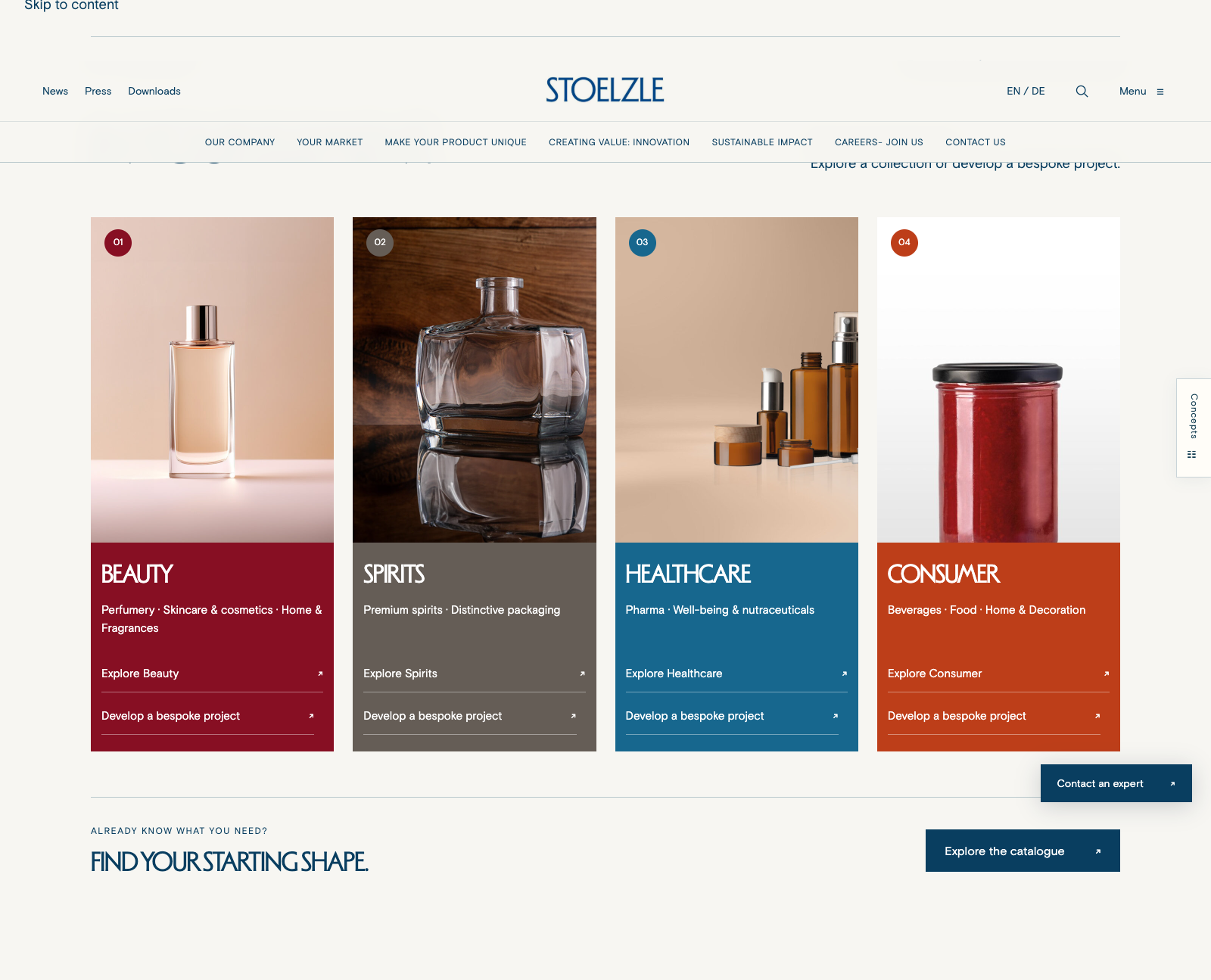
Cards make the group’s breadth easy to scan. Visitors can recognise their category and move directly to its products or expertise.
View the market cards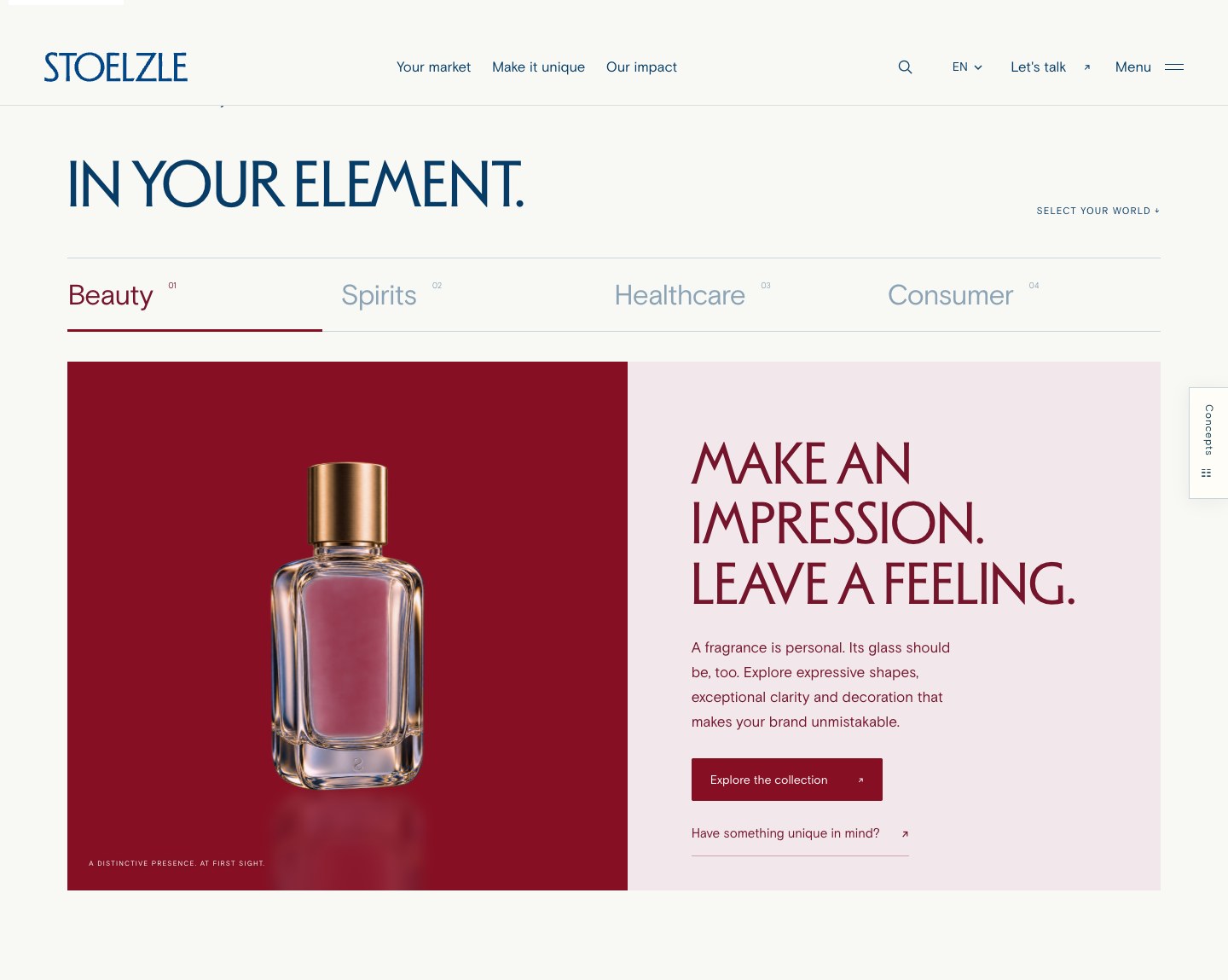
Tabs give each category more space for a product and a short story. Visitors can switch between markets without leaving the section.
Try the market tabsTo discuss Should the homepage emphasise the full group at a glance, or give visitors more room to explore their own market?
The same expertise can be explained through straightforward links or introduced through an interactive product study.
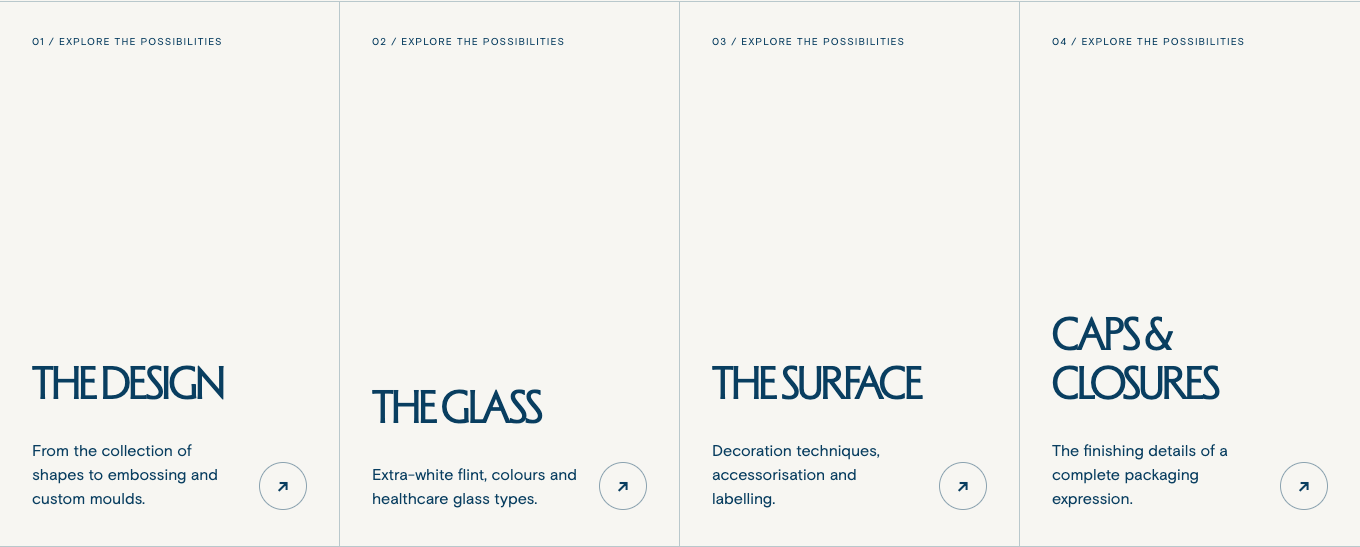
A quick overview gives visitors a direct route to the subject they need. It is useful for buyers arriving with a specific question.
Browse the capabilities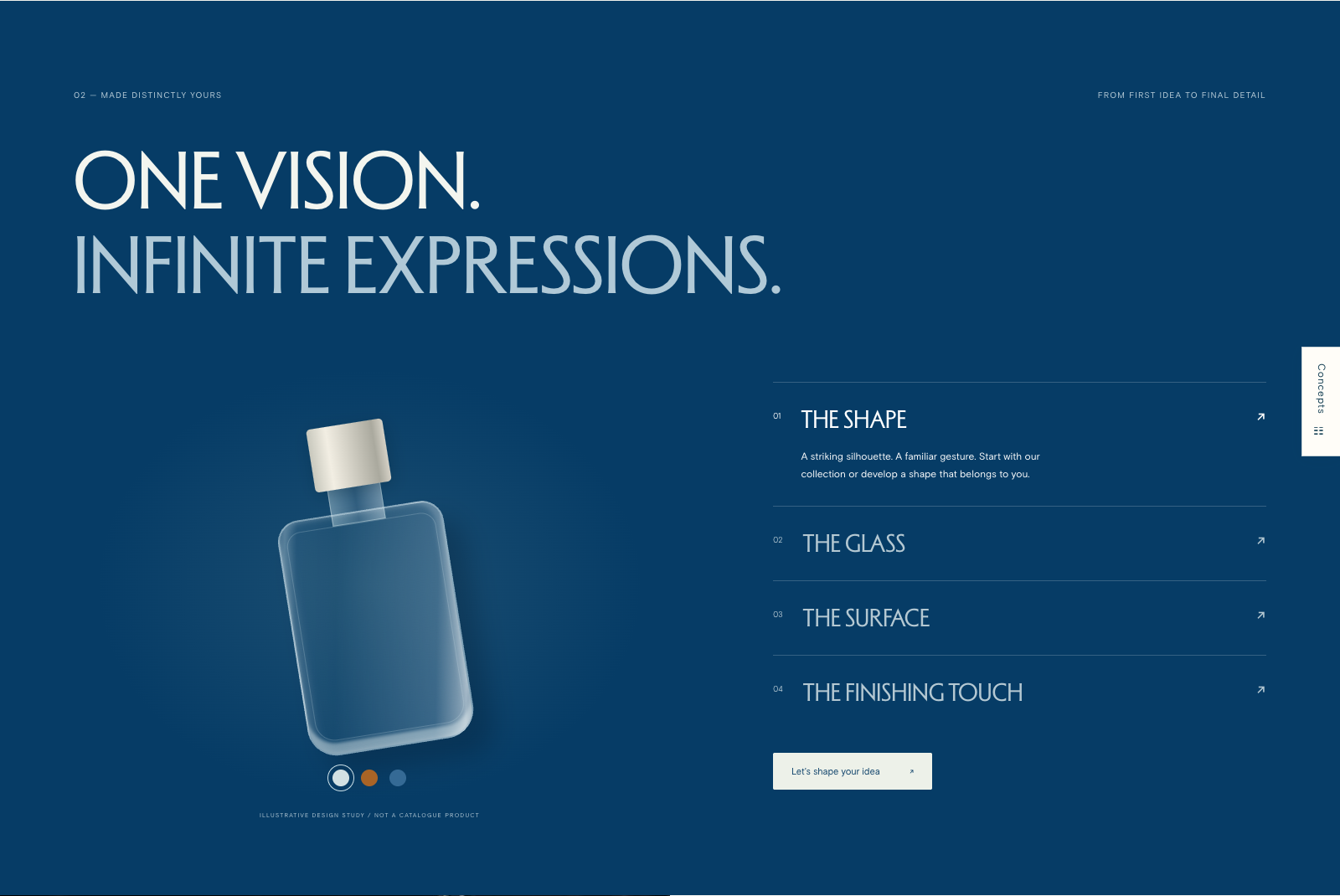
Changing a colour or finish makes the possibilities more tangible. It gives a brand team or creative partner a starting point for a conversation.
Try the product study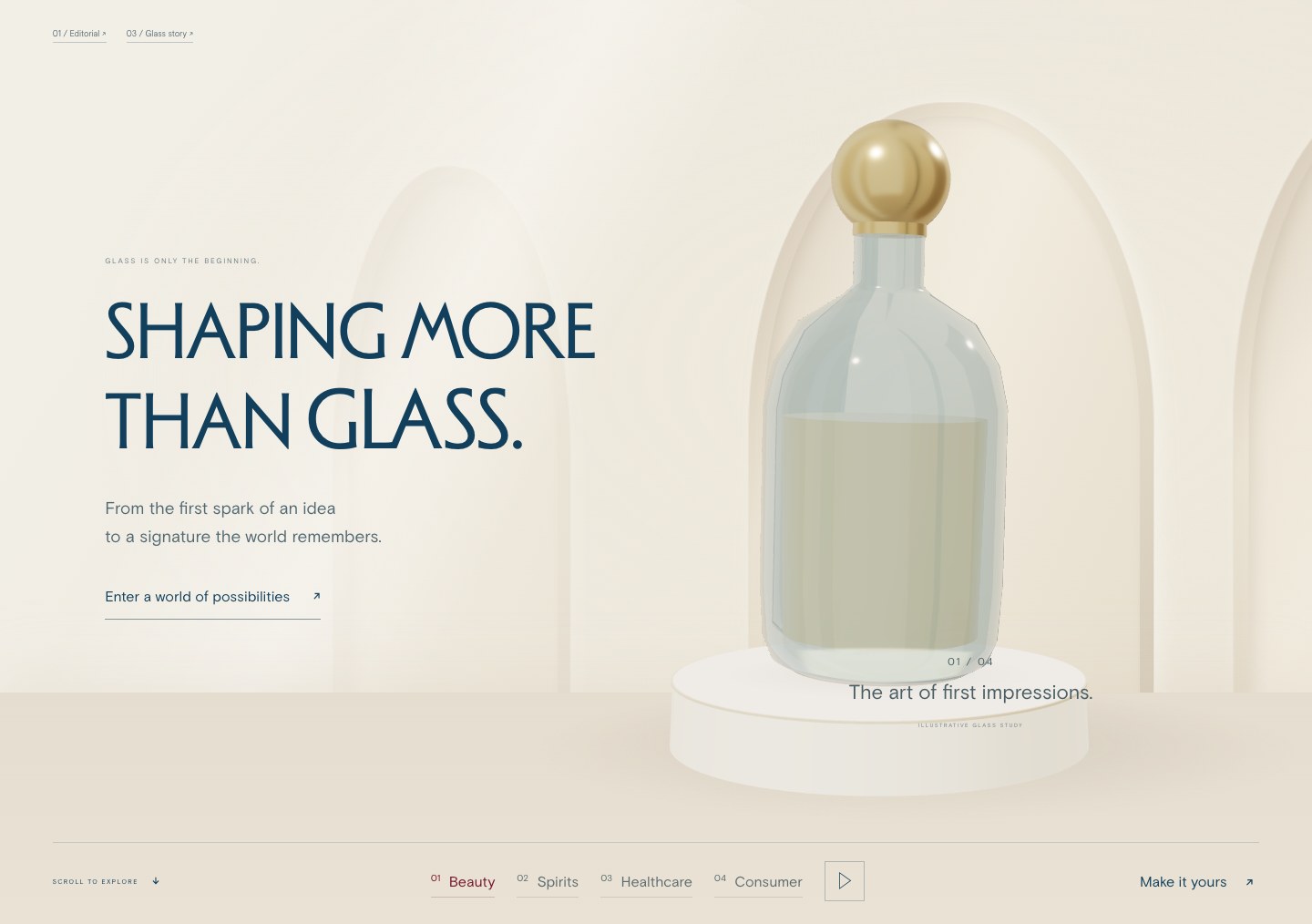
The Atelier opening changes the product as visitors move between markets. It gives the range a physical presence and leads into a closer exploration.
Explore the Atelier opening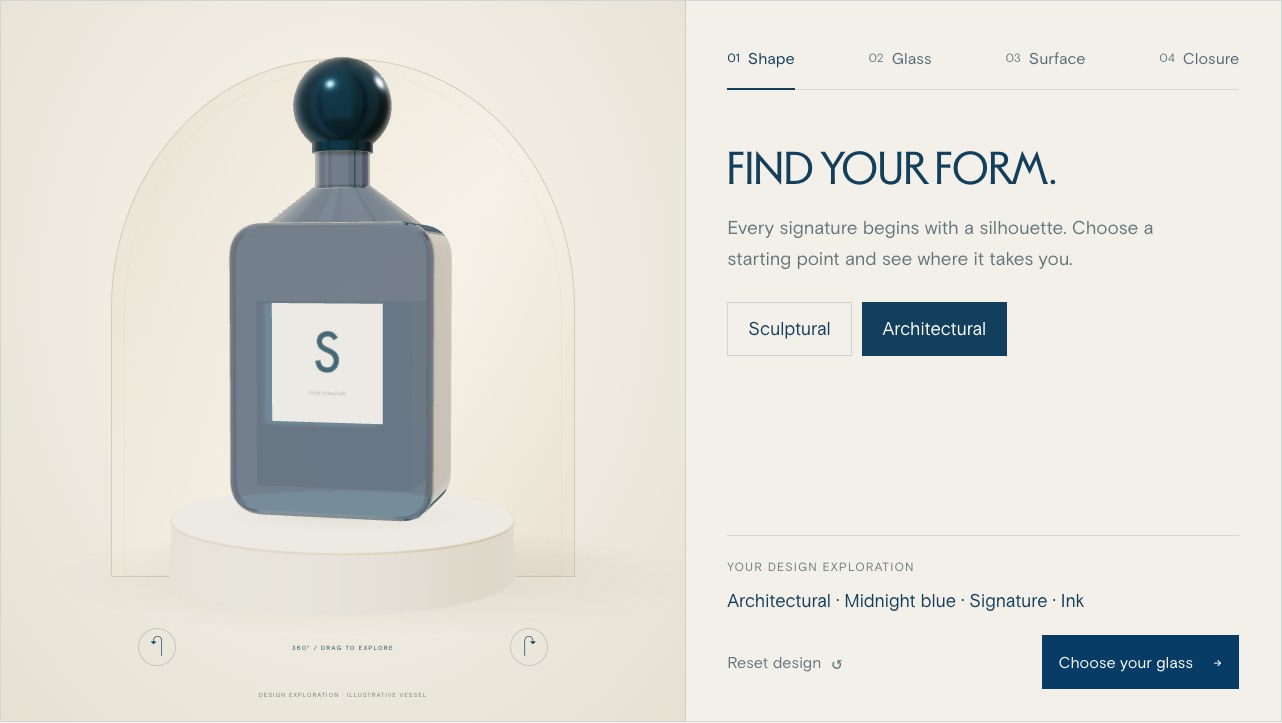
Visitors can rotate the bottle and try shape, glass colour, surface and closure combinations. A visible summary keeps the choices together and can carry the idea into an enquiry.
Try the bottle studioTo discuss Where would trying an idea help a visitor understand the offer? Clear capability links can sit alongside an interactive study.
The product stays in view while its shape, glass, surface and finish change. This approach gives each detail its own chapter and a relevant next step.
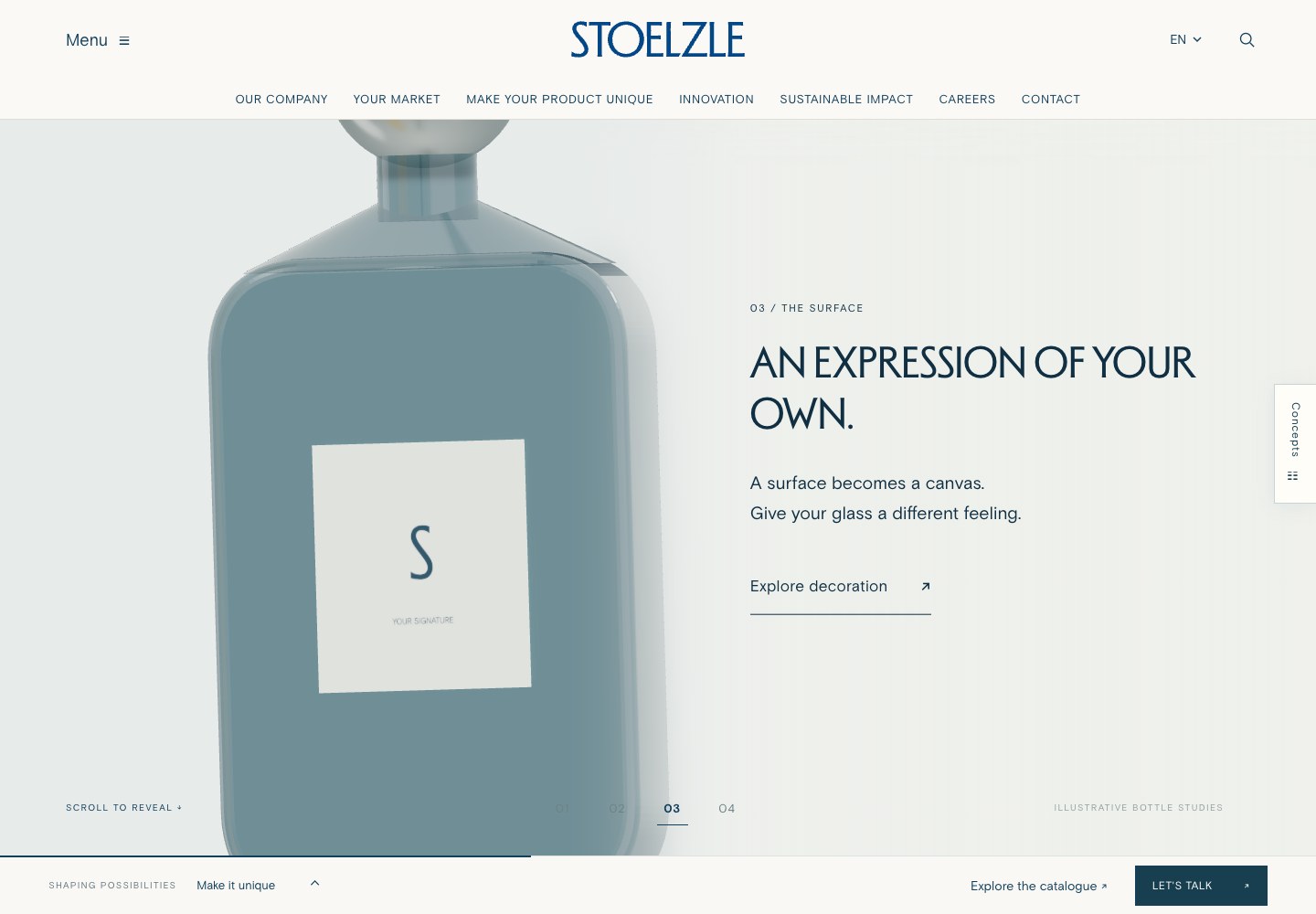
The setting stays in place while the product expression and explanation change. It offers more time to notice the details of each chapter.
View the scrolling storyTo discuss Which topics benefit from a closer look, and which should visitors be able to scan quickly?
The visual treatment can change while the next steps stay clear: discuss a project, request a sample or quote, or reach the right contact.
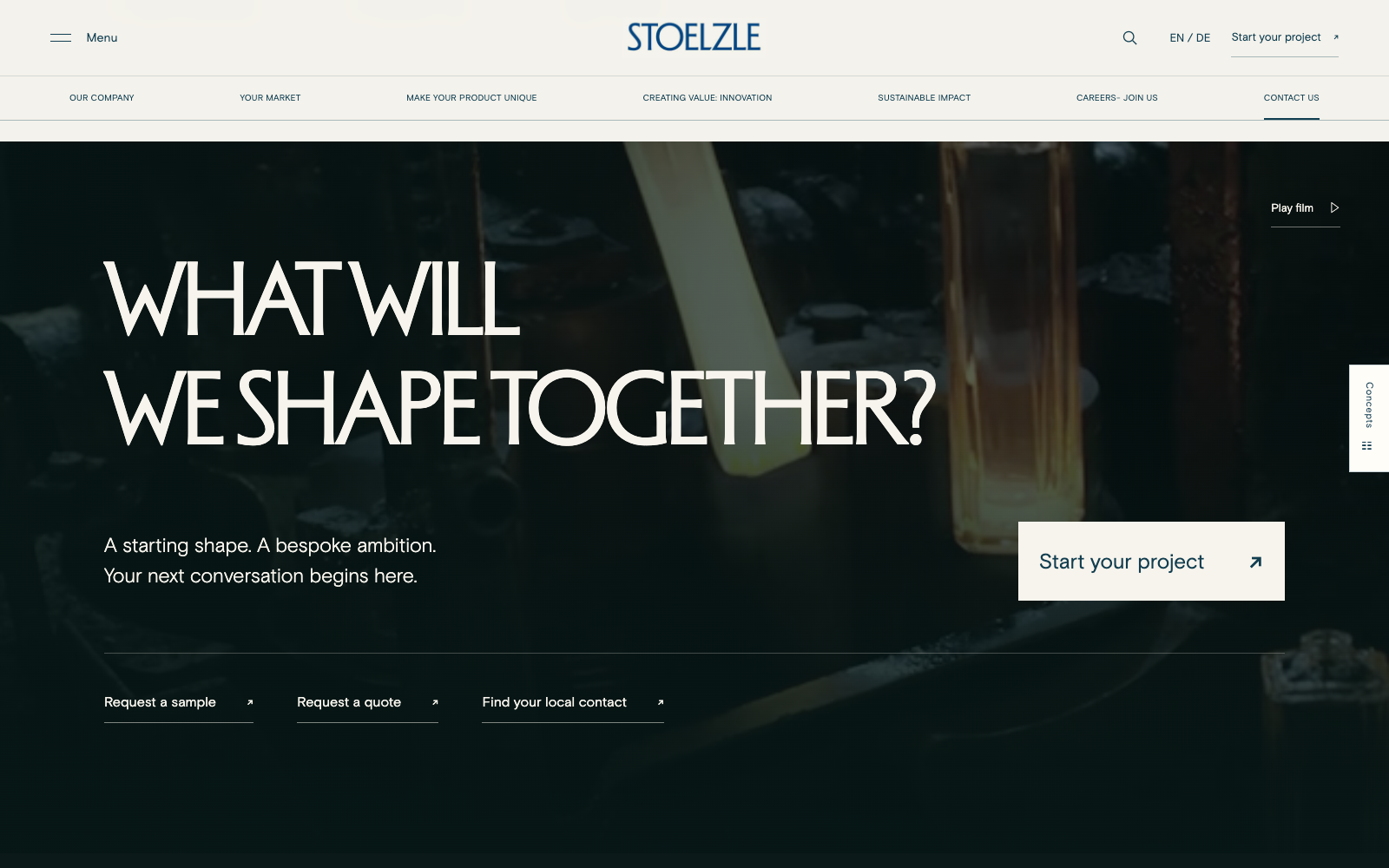
Production footage carries the glassmaking story into the closing invitation. A primary project action is supported by the other contact routes.
View the film contact section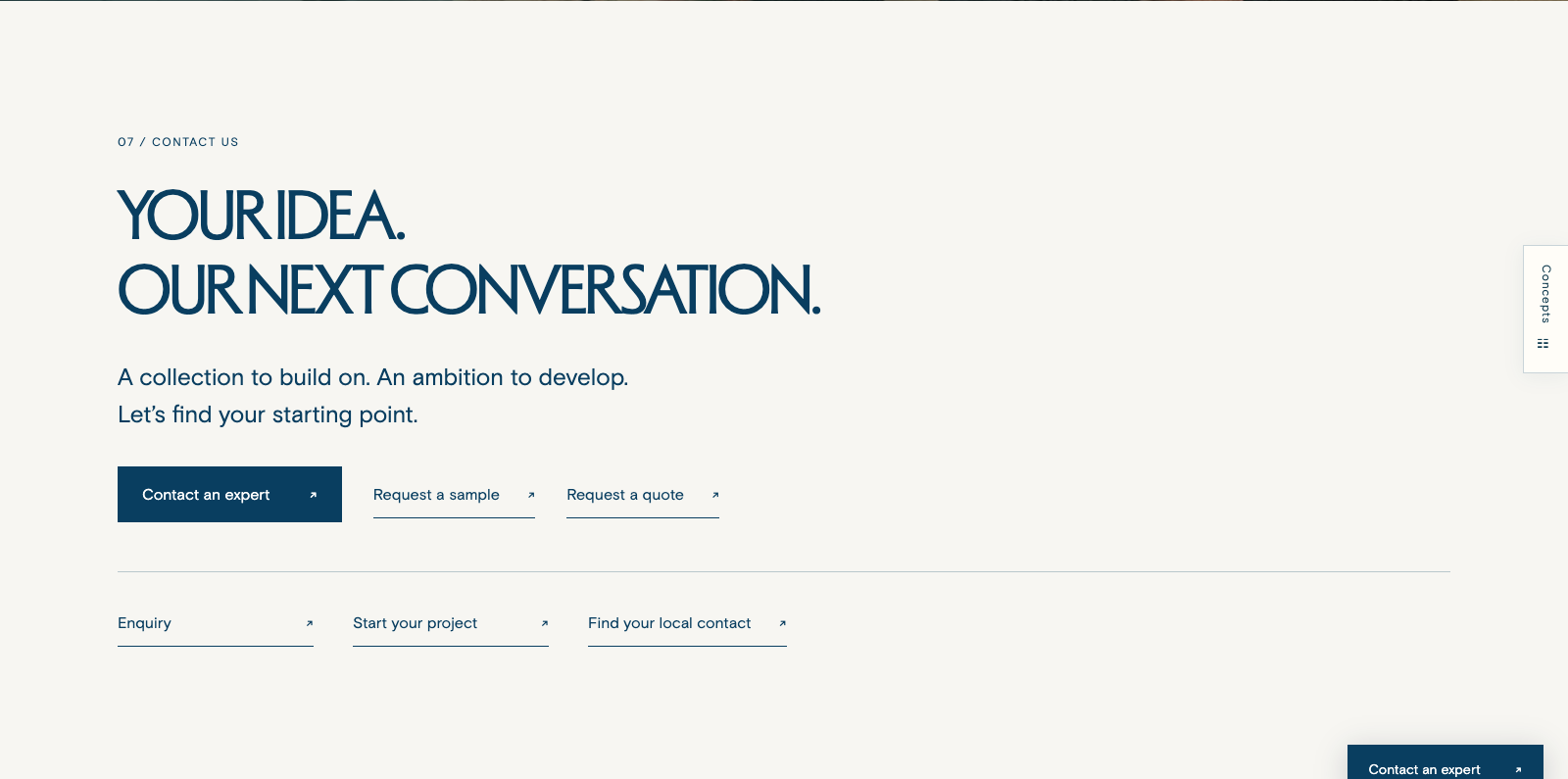
A plain background gives the request options a functional setting. It can work well after a visually rich page, or wherever clarity takes priority.
View the plain contact sectionTo discuss How should the page finish, and which request should be easiest to reach?
Finding a way through
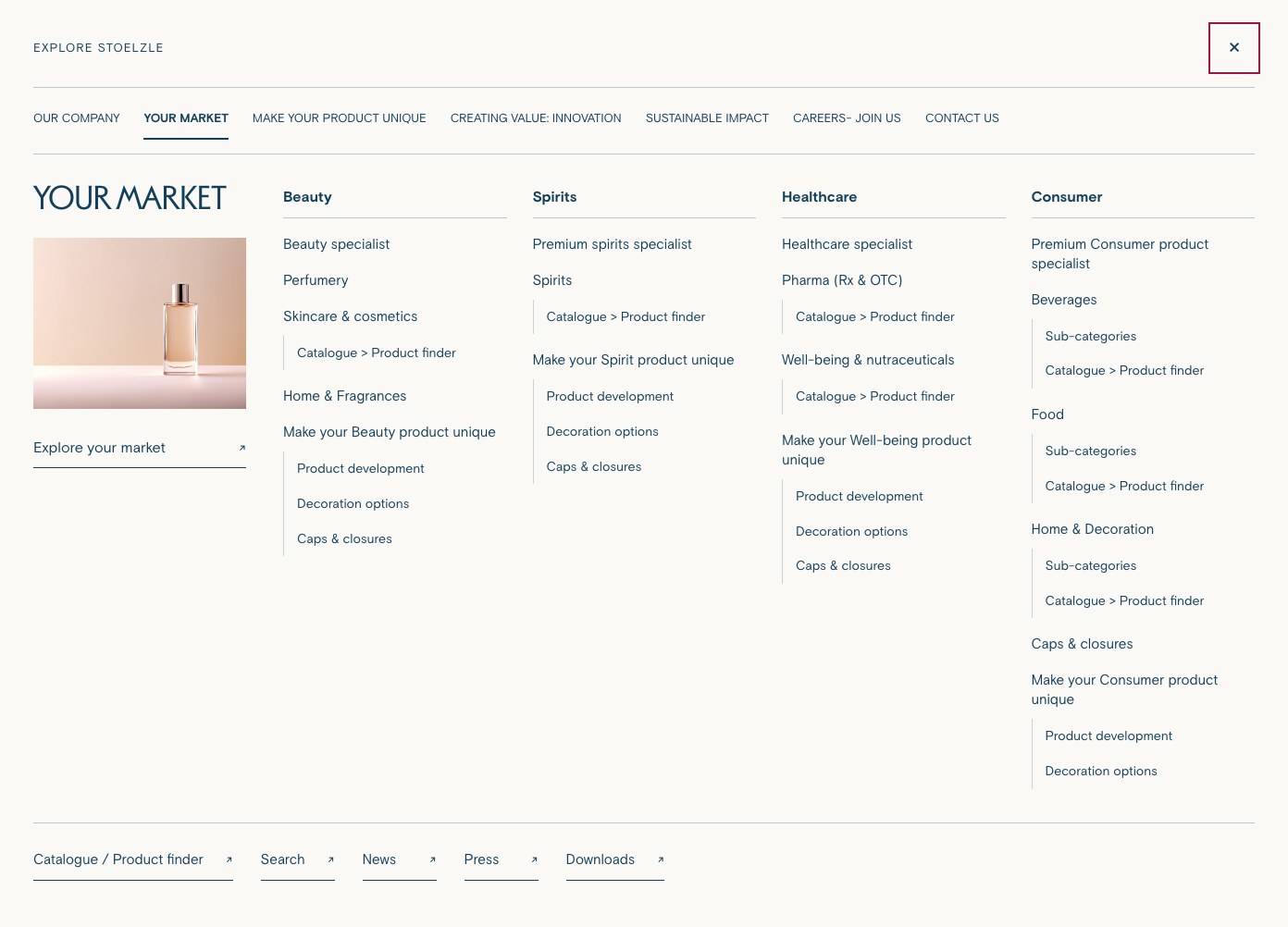
The new megamenu makes the supplied sitemap visible as a set of connected choices. Visitors can move between the main branches, see the pages within each one and go directly to the topic they need.
In Your Market, for example, Beauty, Spirits, Healthcare and Consumer appear together with their related categories. A buyer can head towards a specific product area, while someone new to Stoelzle can understand the breadth of the group.
See the options
Related pages sit together under clear headings. Visitors can see where a subject belongs before opening a page.
Take a direct route
Someone who knows their category can open a specific page. Someone still exploring can start with the wider market or company section.
Keep useful routes close
Catalogue, search, news, press and downloads remain available across the menu’s branches. On a phone, the same hierarchy can be browsed in a stacked layout.
The homepage can take a more creative approach while the menu provides a consistent route through the agreed site structure.
From a question to a useful answer
Some visitors arrive with an article number. Others know a product name, a market or an idea they want to explore. Search gives each of them a starting point beyond the homepage.
The proposed journey connects product records with capabilities, projects and resources. It helps a visitor move from finding a bottle to understanding the services and possibilities around it.
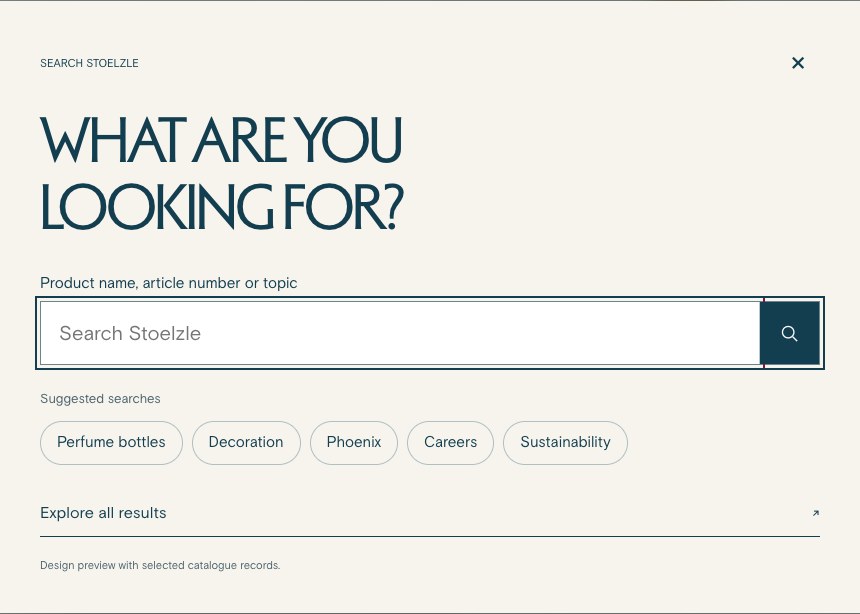
The search entry offers suggested terms such as perfume bottles, decoration and Phoenix. As a visitor types, matching products and pages provide a quick route; the full results page allows a closer look.
Result types and market filters help separate products, pages, projects and resources. Product results show details such as article number, capacity and neck finish, with a link to the current catalogue record.
A search without results explains what to try next: check the article number, use a broader term or remove a filter. Visitors can try a suggested search, browse the catalogue or contact an expert.
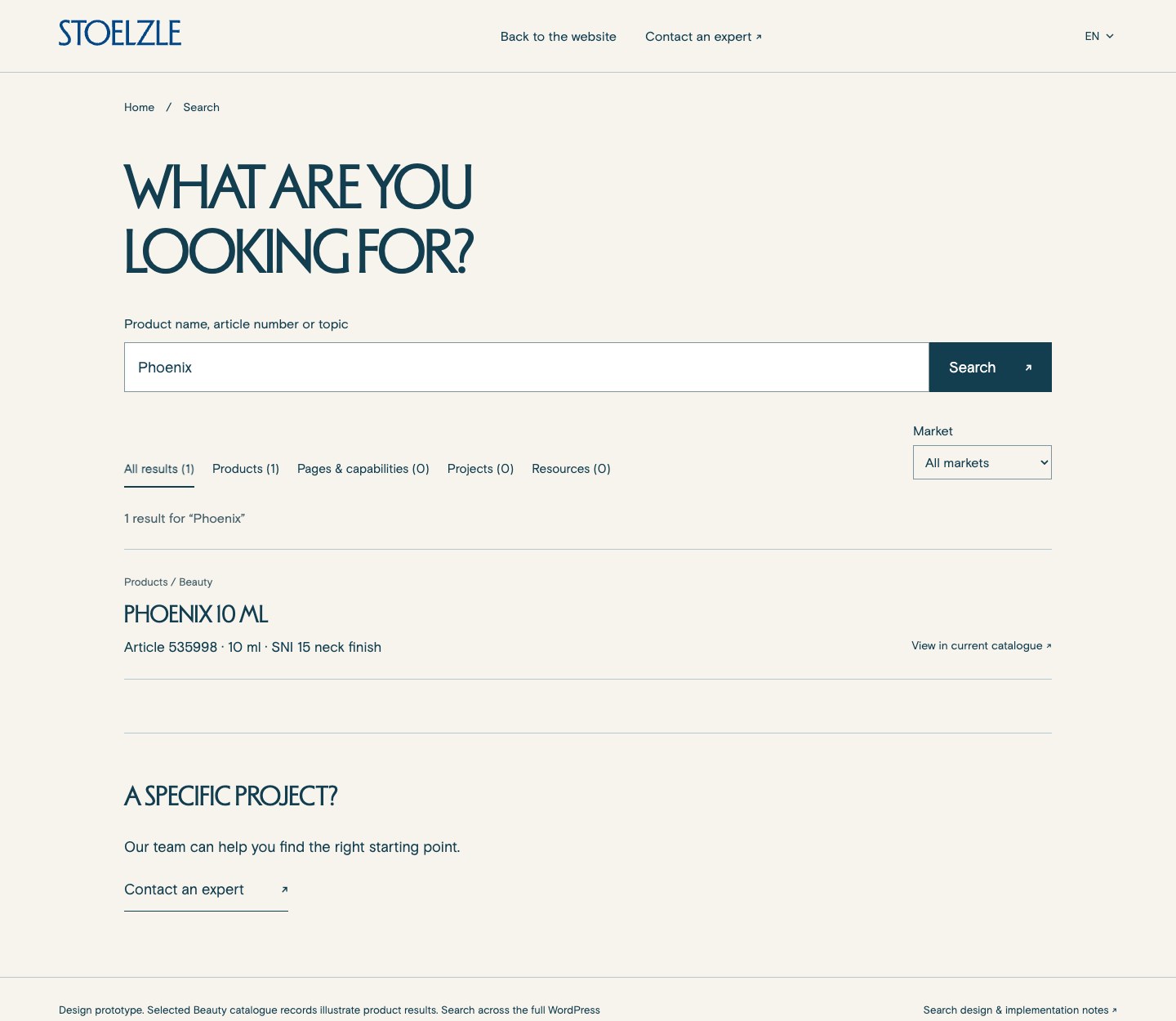
Show what matched and enough context to help the visitor choose a useful next page.
View example results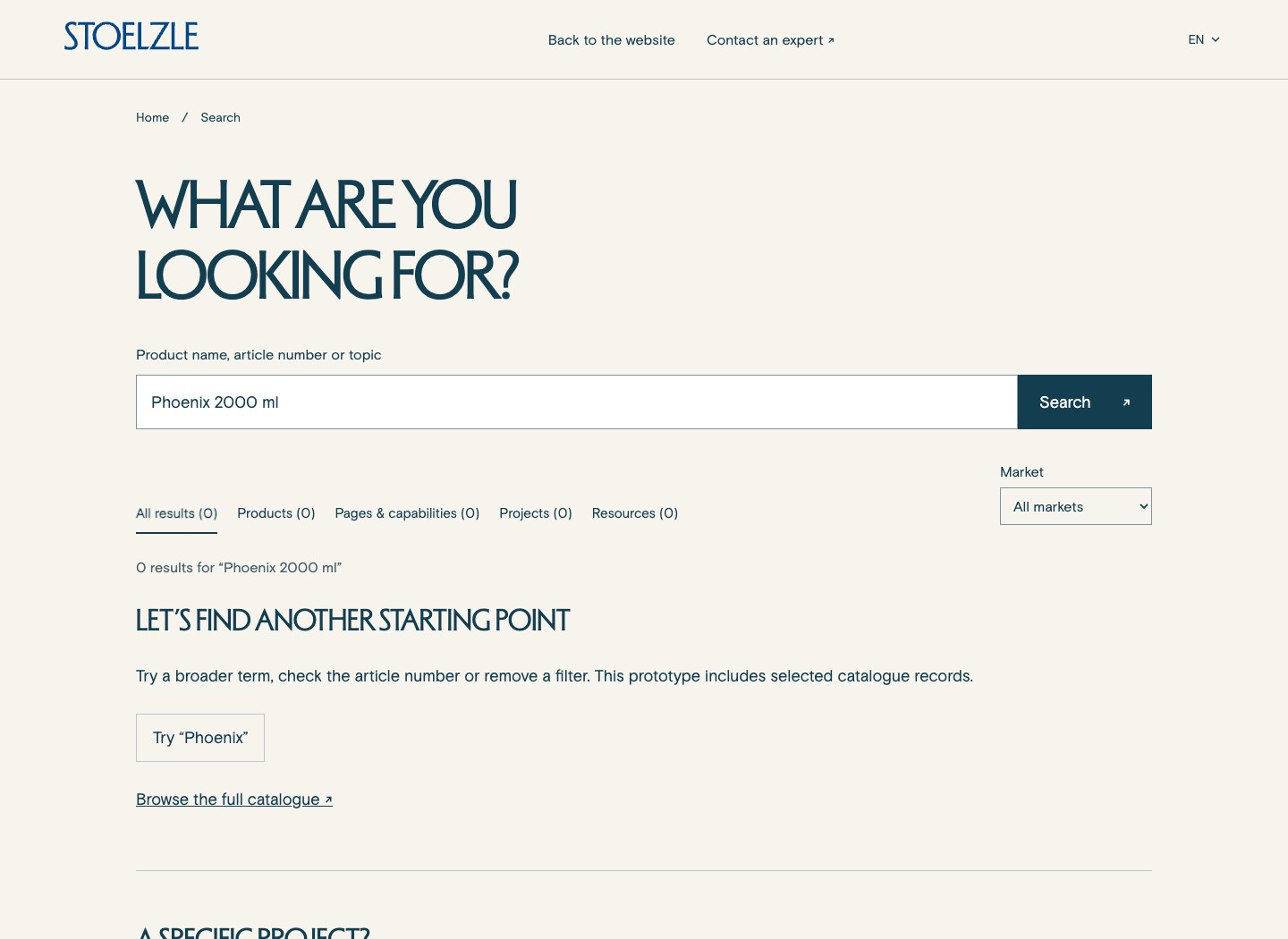
Give the visitor another starting point and keep the enquiry moving.
View the no-results stateThese previews use selected catalogue records to demonstrate the journey. Search across the full product range would be connected to the live catalogue and agreed website content during development.
From exploring to enquiring
The “Let’s make it yours” section offers a next step for visitors considering a custom project. They can select their market, then explore Design, Decoration or Closures before starting a conversation.
The explanation and image change with the selected service. “Discuss your project” carries that market and service into the enquiry, giving the visitor and the team a shared starting point.
This module could follow a product story on the homepage, or sit on a market or expertise page where visitors are ready to discuss their own idea.
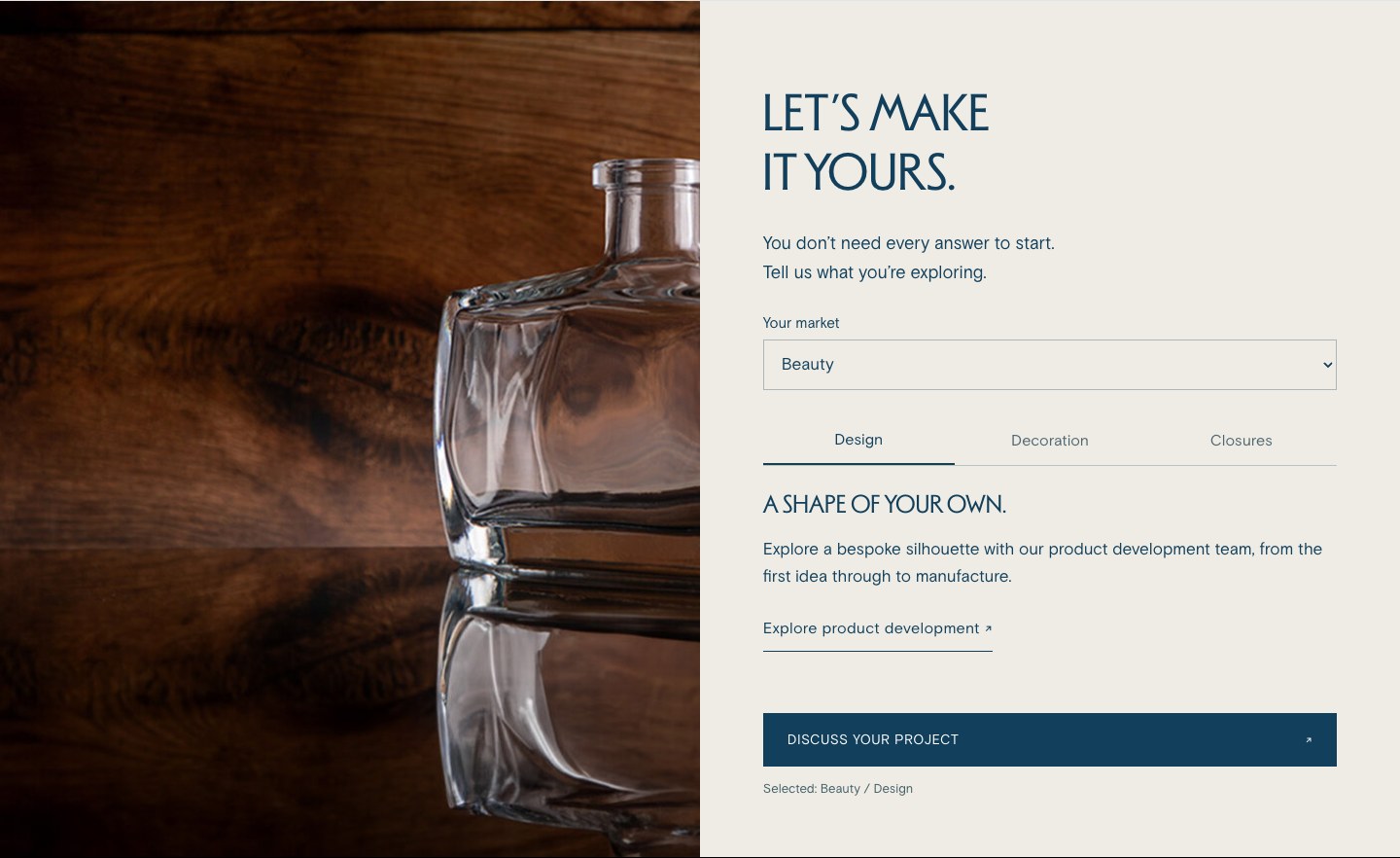
To discuss What would your team need to know at the start of a custom enquiry? We can agree the fields and next steps around the way your team handles these requests.
Finding the right place for an idea
Some of the more expressive studies show ideas that could be useful elsewhere on the site. A product interaction can have a focused role on a Beauty page or a product page, while the homepage uses a simpler introduction.
The previews include interactive 3D studies, rendered product imagery and illustrative colour or finish controls. They help us discuss the experience. Exact products, available options and the final controls would be confirmed with your team.
Beauty & product pages
A closer product view, a change of finish or a short shape story could help visitors imagine a direction for their own packaging.
About us & expertise
Film, moving photography and product details could connect the people, materials and skills behind the finished glass.
Catalogue & enquiries
A useful product view could support a sample request or a discussion with an expert. Its role would follow the visitor’s task and the available product information.
The final amount of motion and interaction will be considered page by page, including how each module reads and works on a phone.
From exploration to one website
This review is a way to collect decisions. We want to understand what feels right for Stoelzle, what helps your visitors, and where the site should be more direct or more expressive.
We will bring the selected ideas into one consistent design. Typography, imagery, spacing, interaction and mobile behaviour will be resolved together, so the result feels like one website.
Ready to explore
Review the first option for structure, then explore the other designs for the ideas you would like to develop together.